


I give you the full picture of learner’s needs.
My Process

Comprehensive Needs Analysis
-
Tasks
Collaborate with the client, project stakeholders, subject matter experts, and end learners.
Identify skills gaps and the most effective approaches to address them.
-
Tools
SmartSheet
PowerBI
Miro
SurveyMonkey (for surveys and data collection)
Zoom or Microsoft Teams (for virtual meetings)

Content Outline & Activity Design
-
Work with subject matter experts to develop a high-level content outline.
Describe activities and interactions that will help learners practice and master the required skills.
Obtain client approval for the content outline and activities.
-
Microsoft Word
Microsoft PowerPoint
Google Docs (for collaborative writing)
Lucidchart (for creating diagrams and flowcharts)
Rapid Prototyping
Tasks
For in-person courses: Develop materials such as PowerPoint presentations, speaker guides, or other instructional materials.
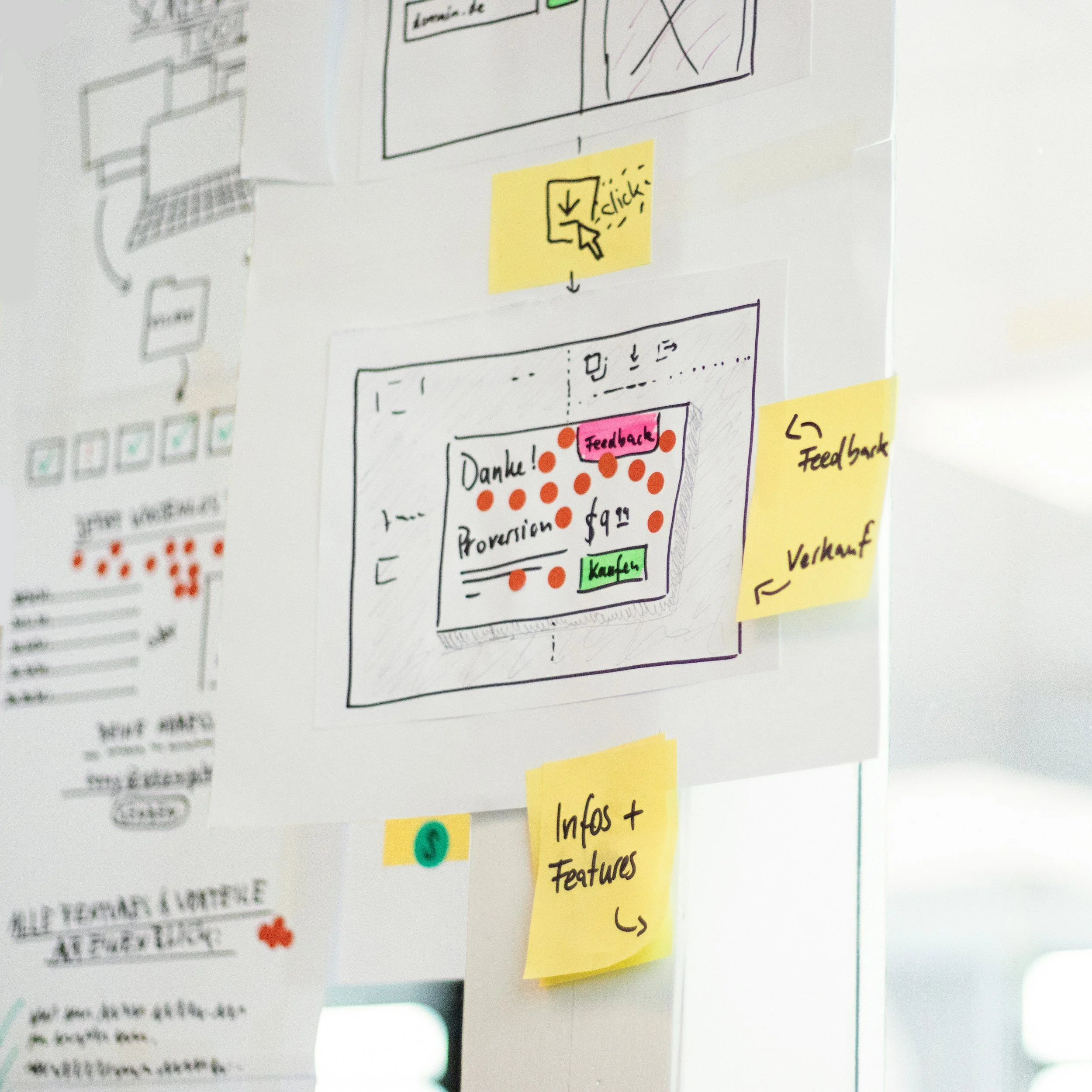
For online courses: Build functional prototypes without graphic design to establish the look, feel, and flow of the course.
Tools
Adobe XD
Figma
Articulate Storyline
Articulate Rise
Microsoft PowerPoint (for quick in-person prototypes)

Multimedia Development
-
Create multimedia elements such as live-action videos, animations using tools like Vyond, or printed materials using Adobe InDesign.
Go through a feedback cycle to refine and fine-tune the prototype.
-
Adobe InDesign
Microsoft PowerPoint
Canva Pro
Camtasia Video Editing Suite
Vyond for animations and whiteboard videos
Adobe Premiere Pro (for advanced video editing)
Audacity (for audio editing)
Final Walk-Through
-
Conduct a final walk-through with stakeholders to make any necessary adjustments.
Ensure all final media and materials are in place.
-
Tools from previous stages as needed for final adjustments
Trello or Asana (for project tracking and task management)
Launch and Follow-Up

Tasks
Launch the in-person session or digital course.
Follow up periodically, especially within the first six months, to assess if initial goals are being met.
Provide additional support as needed to ensure learner success.
Tools
Power BI (for follow-up analysis)
Miro (for collaborative follow-up sessions)
Slack (for ongoing communication and support)
Google Analytics (for tracking engagement and success metrics for online courses)
Key Deliverables
Each project is unique, but there are a few steps I never skip.

Within the Analysis, Design, and Development phases, I incorporate the iterative design of the Successive Approximation model to adapt to changes and continuously improve the learner experience.